Note! You must have Microsoft SQL Server installed. If you don't have it, then need to download and install Microsoft SQL Server ...
Note! You must have SQL Server Management Studio installed. If you don't have it, then need to download and install SQL Server Management Studio ...
To open
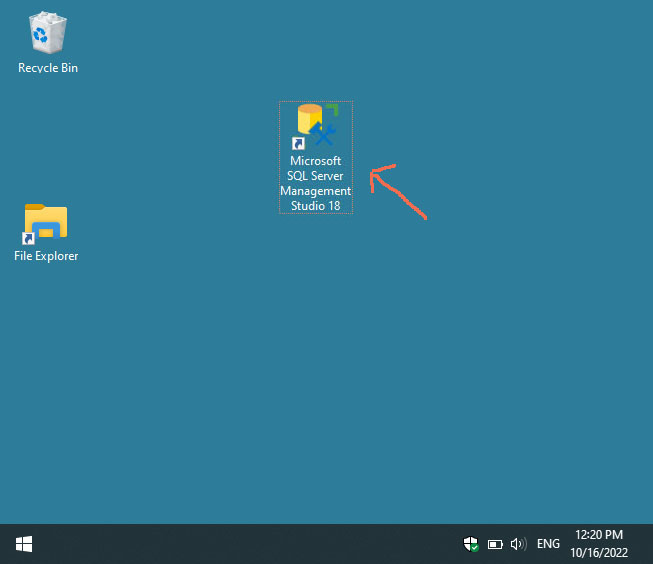
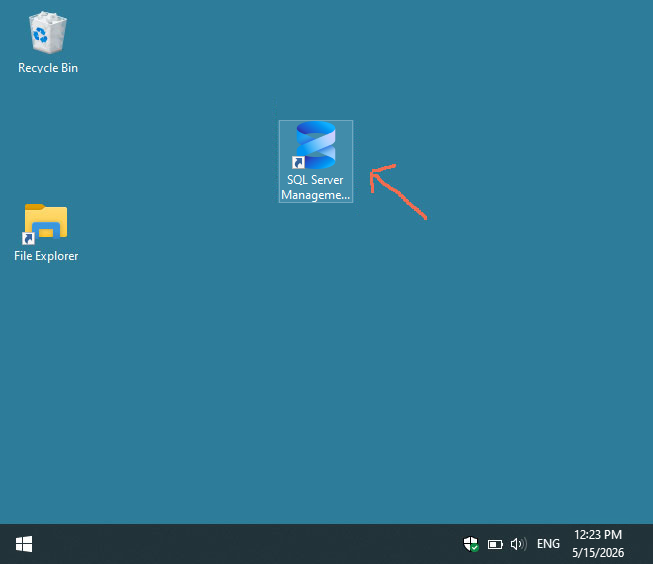
SQL Server Management Studio, we click on the icon on the desktop:
Old version
SQL Server Management Studio (this is version 18)
New version
SQL Server Management Studio (this is version 22)
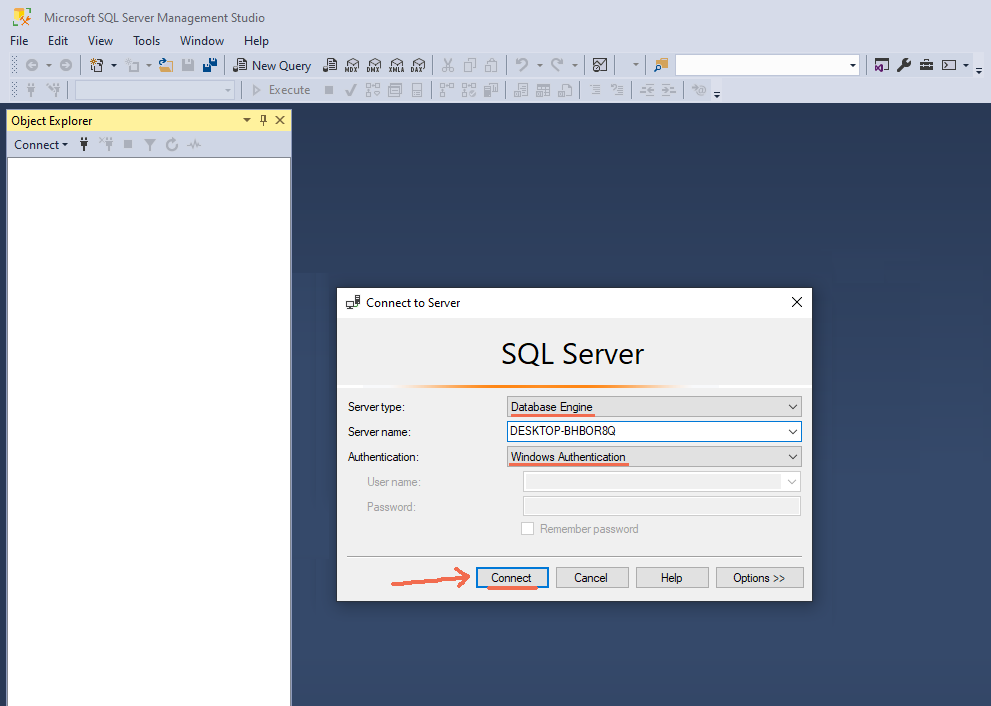
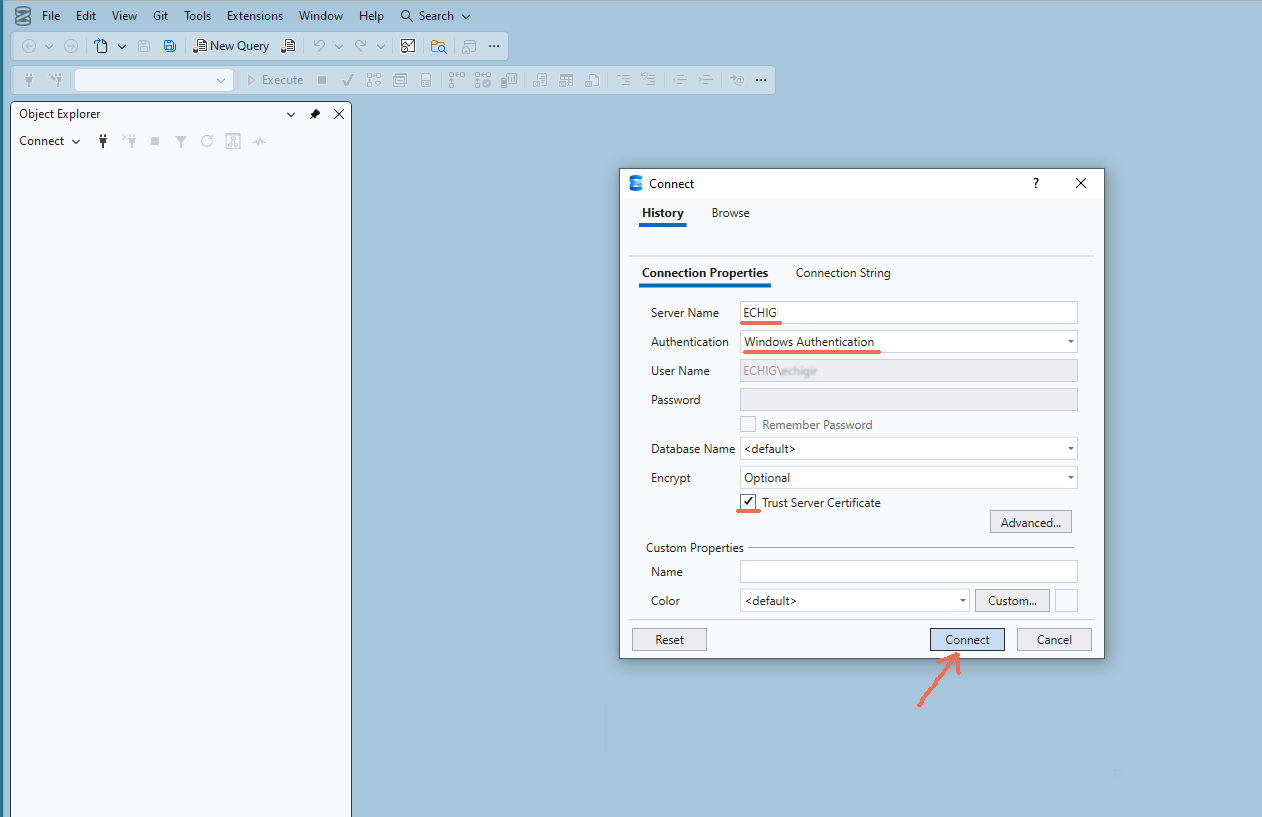
A window will appear and press the "Connect" button:
Old version
SQL Server Management Studio (this is version 18)
New version
SQL Server Management Studio (this is version 22)
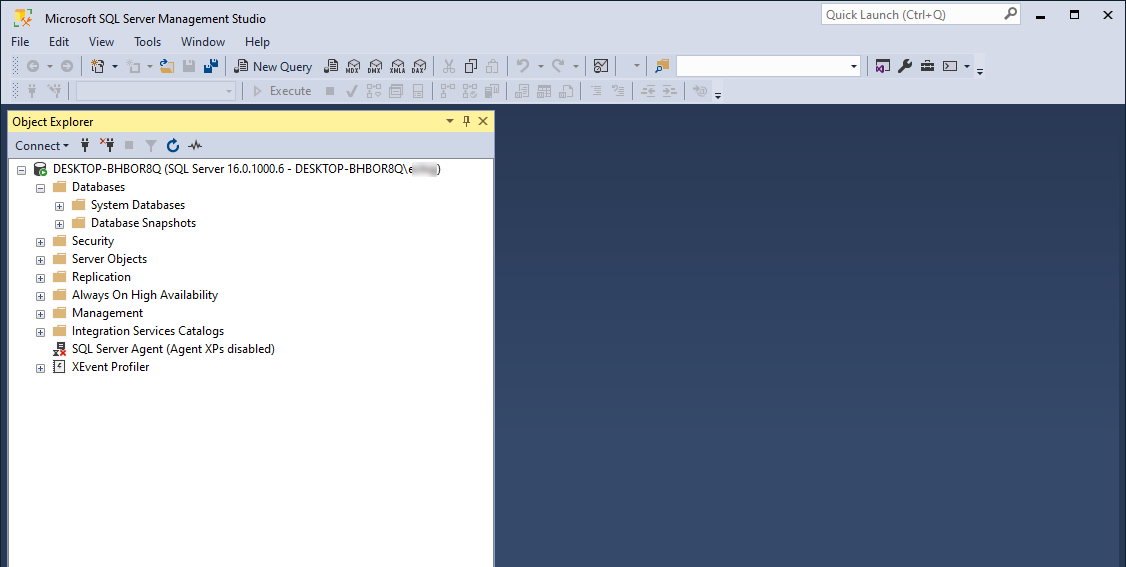
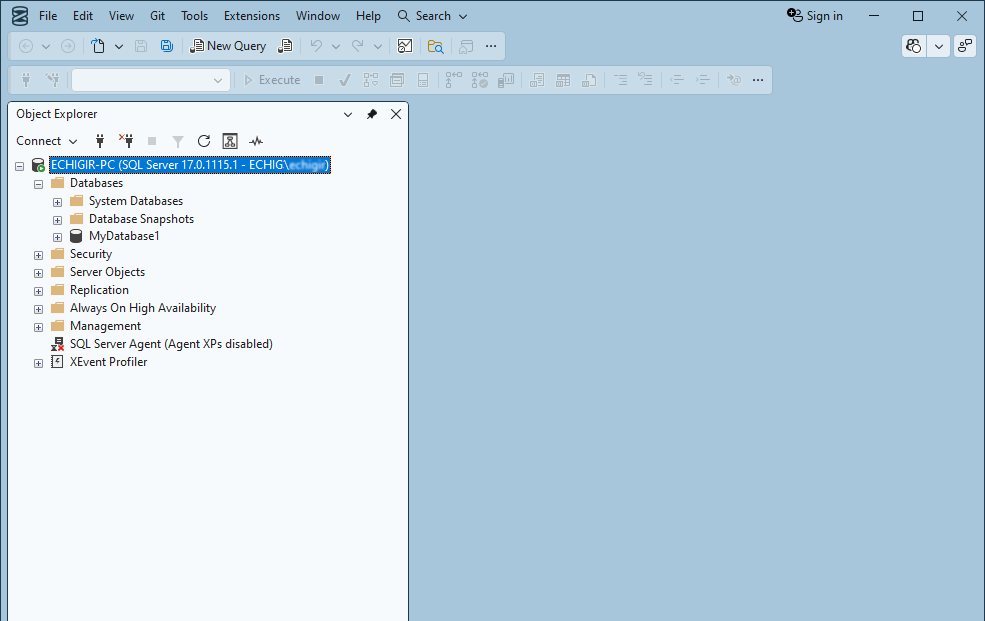
After 20 seconds, we will see that SQL Server Management Studio is loaded:
Old version
SQL Server Management Studio (this is version 18)
New version
SQL Server Management Studio (this is version 22)
Если у вас не создана база
MyDatabase1 , то
создаем базу MyDatabase1...
Раскрываем
Databases →
MyDatabase1 →
Programmability → Stored Procedures
Нажимаем правой клавишей мыши на
Stored Procedures и выбираем
New → Stored Procedure...
CREATE PROCEDURE GetBooks
AS
SELECT * FROM Books
GO


 Афишу
Афишу
 Your feedback ... Comments ...