Note! You must have Microsoft SQL Server installed. If you don't have it, then need to download and install Microsoft SQL Server ...
Note! You must have SQL Server Management Studio installed. If you don't have it, then need to download and install SQL Server Management Studio ...
To open
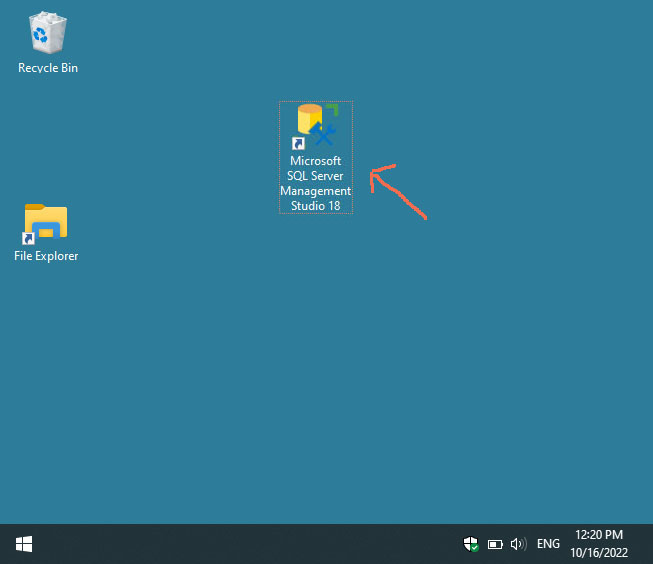
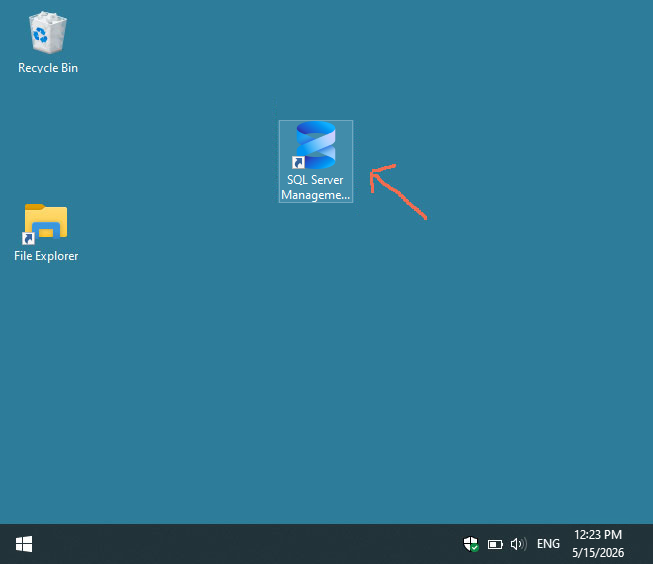
SQL Server Management Studio, we click on the icon on the desktop:
Old version
SQL Server Management Studio (this is version 18)
New version
SQL Server Management Studio (this is version 22)
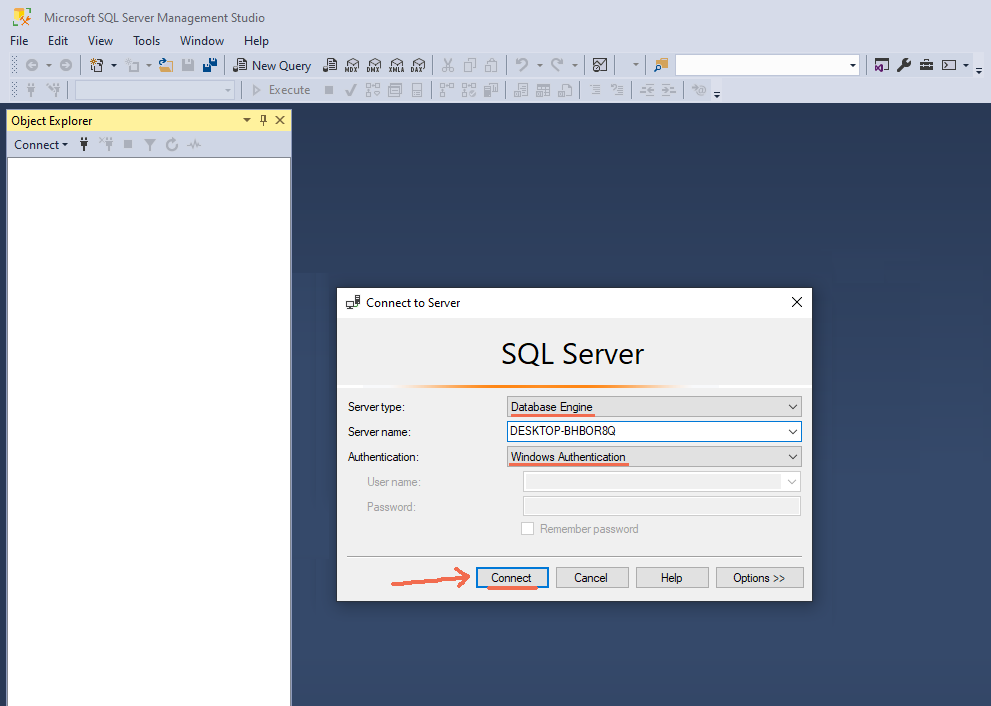
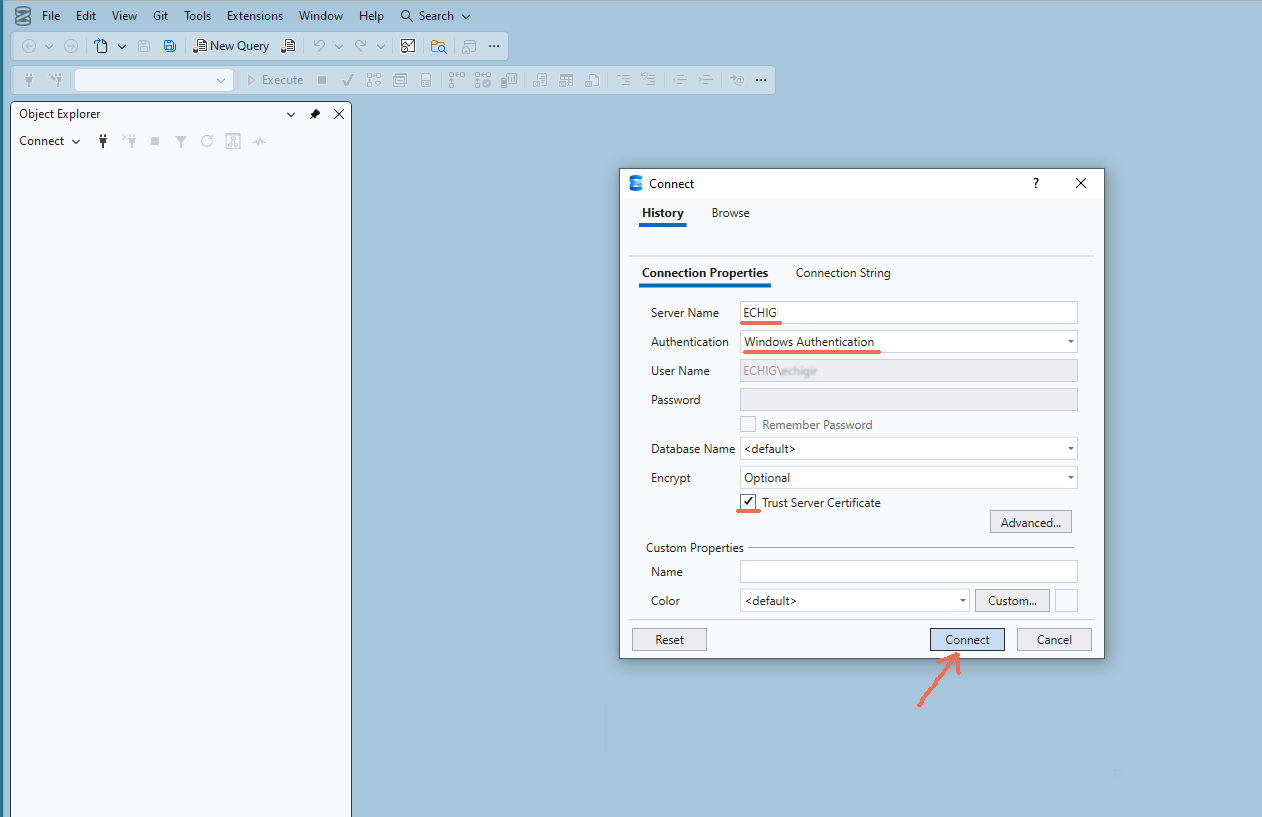
A window will appear and press the "Connect" button:
Old version
SQL Server Management Studio (this is version 18)
New version
SQL Server Management Studio (this is version 22)
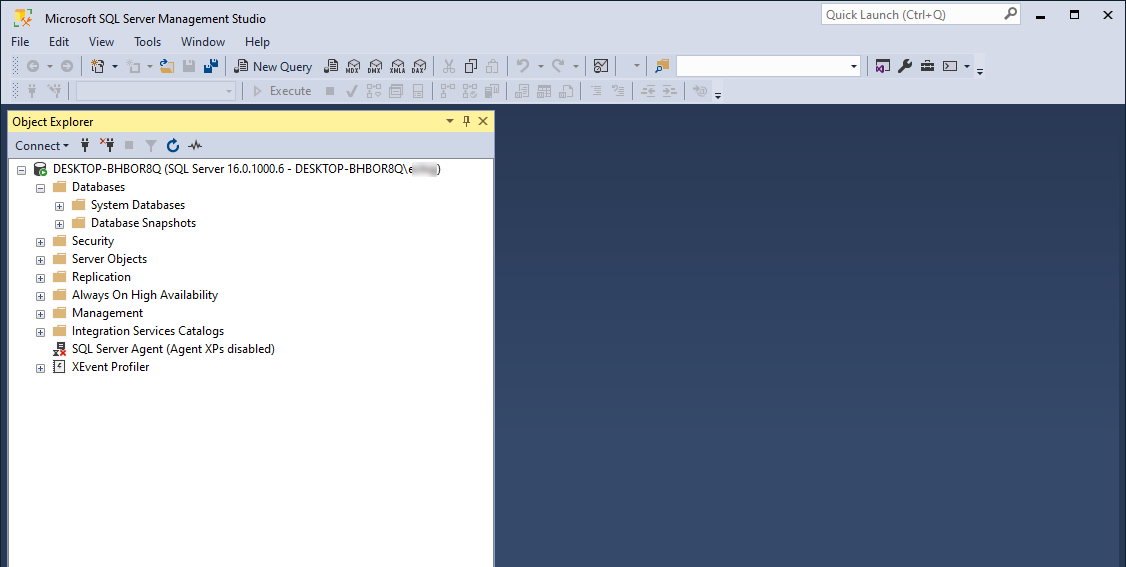
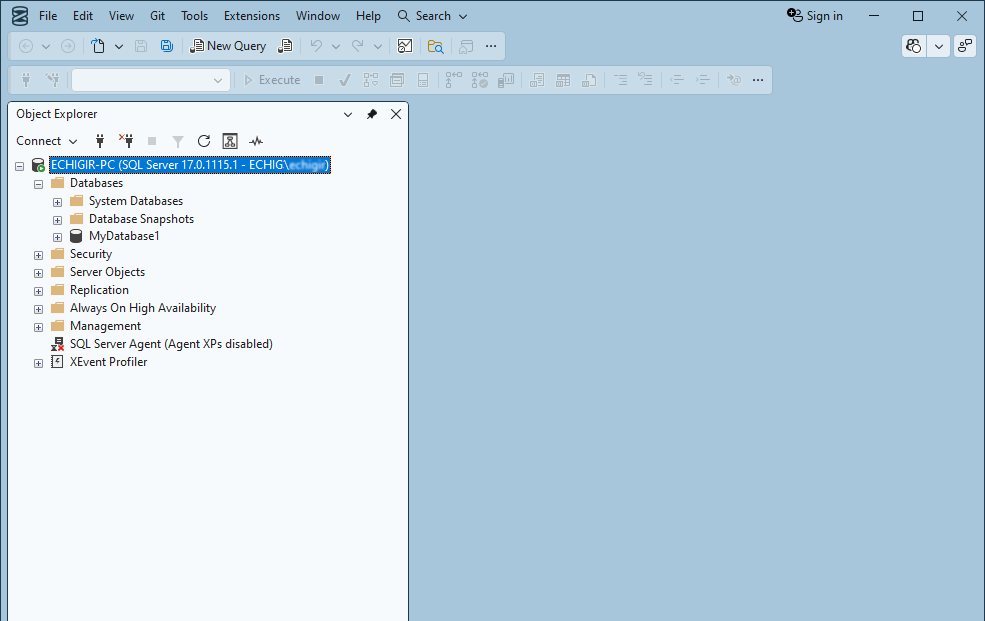
After 20 seconds, we will see that SQL Server Management Studio is loaded:
Old version
SQL Server Management Studio (this is version 18)
New version
SQL Server Management Studio (this is version 22)
If you do not have created a database
MyDatabase1 , then
Creating a database MyDatabase1...
Click on
Databases →
MyDatabase1 →
Programmability → Functions → Table-valued Functions
Right-click on
Table-valued Functions and select
New Inline Table-valued Function ...
CREATE FUNCTION [dbo].[fn_SplitString]
(
@SourceString VARCHAR(MAX),
@Seperator VARCHAR(25)=','
)
RETURNS @ResultTable
TABLE(
[Position] INT IDENTITY(1,1),
[Value] VARCHAR(MAX)
)
AS
BEGIN
DECLARE @w_xml xml;
SET @w_xml = N'<root><i>' + replace(@SourceString, @Seperator,'</i><i>') + '</i></root>';
INSERT INTO @ResultTable
([Value])
SELECT
[i].value('.', 'VARCHAR(MAX)') AS Value
FROM
@w_xml.nodes('//root/i') AS [Items]([i]);
RETURN;
END;
GO
SELECT * from dbo.fn_SplitString('Hello, thank you, bye!', ',')


 Афишу
Афишу
 Your feedback ... Comments ...